Quick answer
To keep Reverb a trustworthy marketplace for musicians and music lovers of all kinds, we enforce listing standards. If you ever spot a listing on the site that doesn’t follow Reverb’s listing standards, or seems to be a potential problem, you can click the Report this Listing button to flag it to our team.
Reporting listings to Reverb
Use the Report Listing to Reverb link on any listing to let Reverb’s Marketplace Integrity team know about any possible listing issues or breaches of listing standards. You’ll find this button below all the shop information on the right-hand side of the listing page or underneath the product reviews.
Note: You need to be signed into your Reverb account to report a listing to Reverb. We may also limit the ability of new accounts to report listings at our discretion.
Reporting a listing on the Reverb app
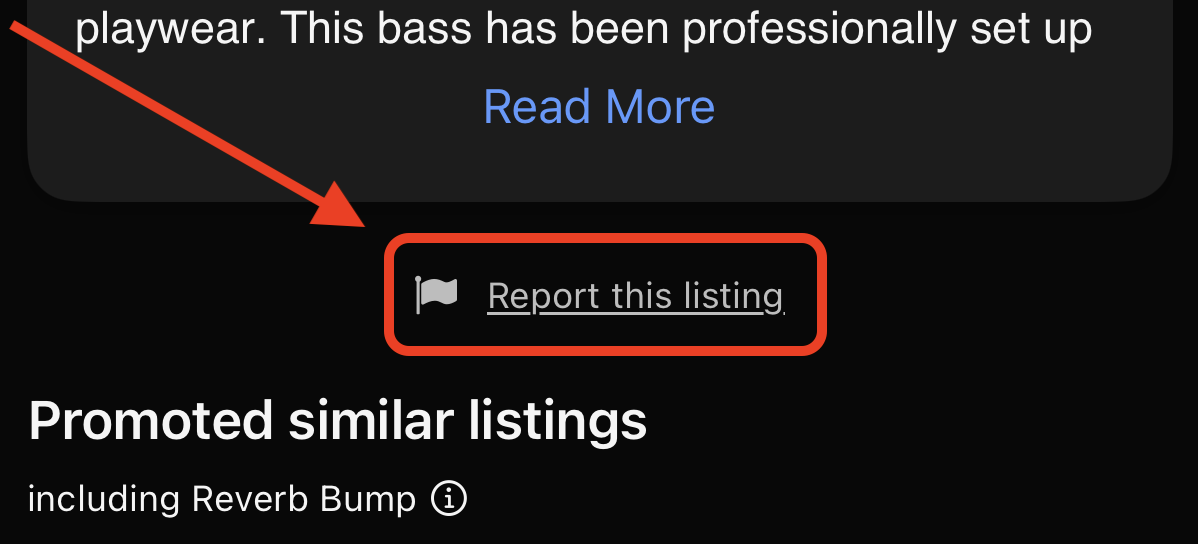
On the app, tap the Report this listing button below the listing description.