Quick answer
After a refund is initiated through Reverb Payments, your billing card will be charged within one business day of the refund initiation. Before your billing card is charged, you can view the negative balance owed on your Earnings page.
To view what you owe:
- Head to your Earnings Page.
- If you have a pending balance, you will see this on the top of that page.
- Select View on the right side to see the details of the balance.
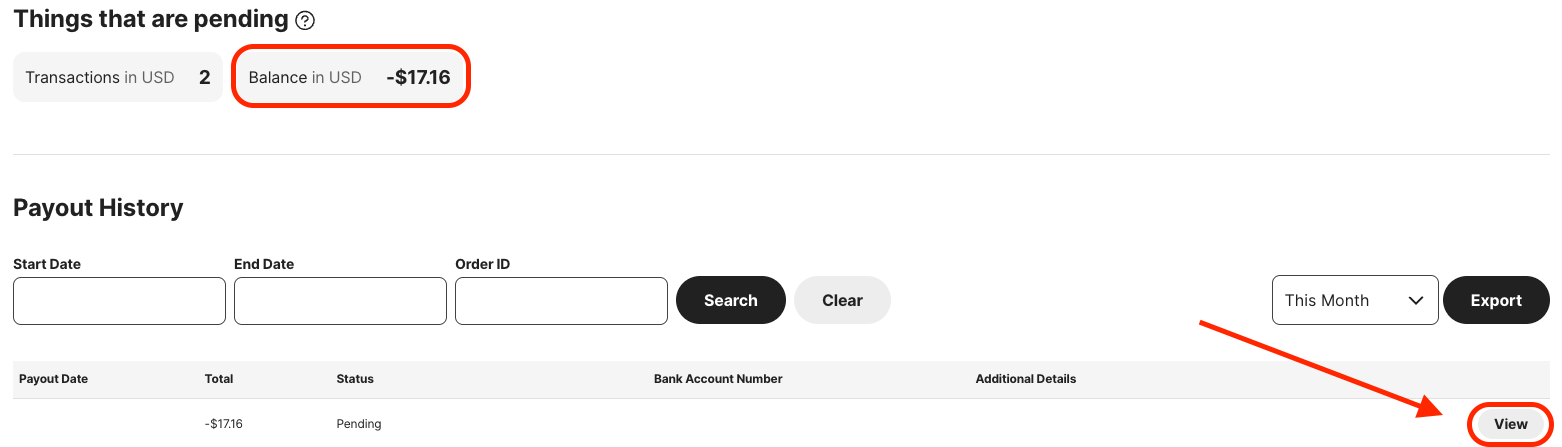
- You’ll be able to see the fee breakdown by clicking the small arrow on the left to expand the order(s).